Documentation
Comprehensive Overcast Community server documentation
Play Ranked
Last Updated - May 03, 2026
Overcast Ranked (formerly known as BOLT) is an automated, free and effortless Ranked service with stats tracking, ranks, leaderboards and many other features. It boasts gamemodes such as King of the Hill, Capture the Point, King of the Flag and Capture the Flag, with a variety of maps designed for various player counts.
How can I play?
Queuing
- Join our Minecraft server:
play.oc.tcand head to the lobby (run/hubif unsure). Either click on the Ranked NPC or use one of the following commands, which can also be run from any other server (casual, ranked, etc.):/queues— opens the queue menu where you can see the status of available queues./queue join <queue>— joins a specific queue directly./queue leave— leaves the queue.
- Once in the queue, you can head to any server and play as normal while you wait. You will receive notifications as players join and leave the queue. When a match is ready, you will also be notified.
Static vs Dynamic Queues
Queues can be either static or dynamic. Static queues have a fixed player count, meaning a match will only be created once the exact number of players required has joined.
Dynamic queues, on the other hand, can form a match across a range of player counts — for example, anywhere from 4 to 14 players, resulting in matches anywhere from 2v2 to 7v7. Once the minimum player count is reached, a countdown to match creation begins. The countdown will adjust based on how many players are in the queue, giving more players a chance to join before the match starts.
Playing
- Once the queue is full, a match will be created and teams will be automatically balanced.
- You will be presented with a pool of up to 5 map options. Each team can veto one map from the pool. Use your vote to decide which map your team will veto.
- Once the voting period is over, the two vetoed maps will be removed from the pool and a map will be randomly chosen from the remaining ones.
- You will be either moved to the assigned server or presented with a chat message that you can click to join the match.
- You will have to wait for your teammates to join. Run
/readyto mark your team as ready and decrease the match start countdown. - Once the match starts, try your best and have fun!
- You are expected to see matches through to the end. If you leave your match for more than a minute, you will receive a -50 Spark Rating penalty and a temporary queue ban. If someone leaves your match within the first minute, it will be automatically cancelled.
Discord Integration
We have a dedicated Ranked category in our Discord server with channels for discussion, notifications, and voice:
- #ranked-discussion — general ranked chat.
- #ranked-notifications — match updates and announcements.
- Lobby Channel — hang out here while you queue.
If you'd like to voice chat with your teammates without any manual setup, follow these steps:
- Head to #link and follow the instructions from Cloudy to connect your accounts.
- Be in the Lobby Channel when a match is created, or join it any time before the match ends.
- You'll be automatically moved into a team voice channel.
- After the match, you'll be returned to the lobby after 10 seconds.
Note: Voice chat is optional but recommended; good comms make a big difference in ranked play.
Ranking system
Spark Rating
Our exclusive ranking system, known as Spark Rating, plays a pivotal role in assessing your performance. This unique rating, with a range between 0 and 5000, remains hidden until you have participated in at least 30 matches. Ratings above 3000 will start decaying at a rate of -10 Spark Rating per day after not having played for 3 days.
Ranks
You will start being Unranked. Once you play 15 matches, you will be awarded a provisional rank. Upon reaching 30 matches played, your rank will be tied to your Spark Rating.
There are 6 rank divisions: Bronze, Silver, Gold, Platinum, Diamond and Master, each one being divided into 5 subdivisions (e.g. Silver 2). On top of them there is Grandmaster, which is the highest rank one can achieve.
| Rank | Icons | Spark Rating |
|---|---|---|
| Unranked |  | — |
| Bronze |   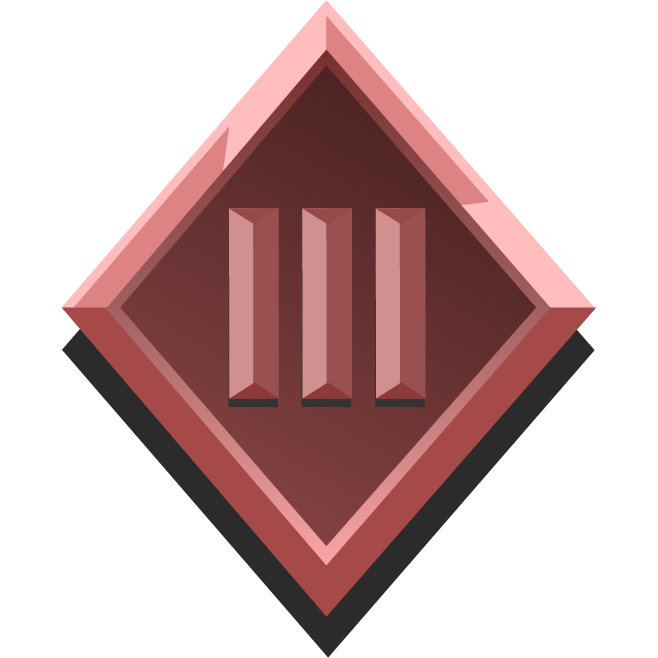 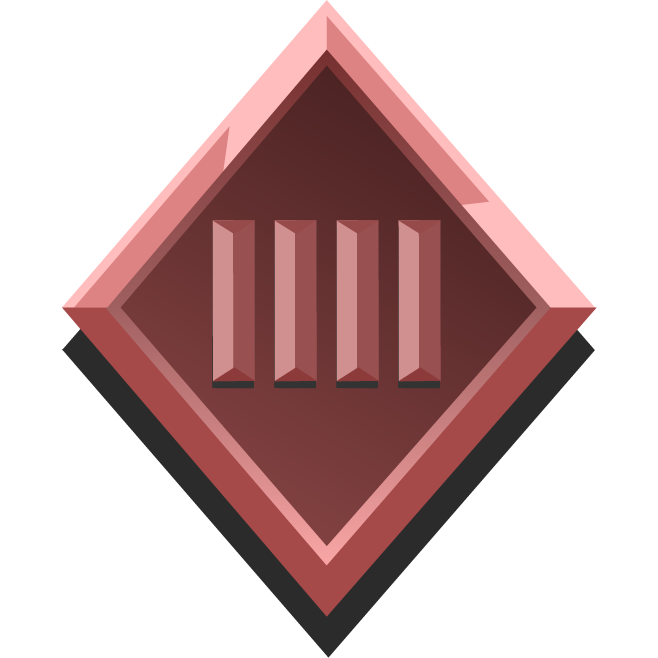  | 0 – 1000 |
| Silver |      | 1000 – 1500 |
| Gold |      | 1500 – 2000 |
| Platinum |      | 2000 – 2500 |
| Diamond |     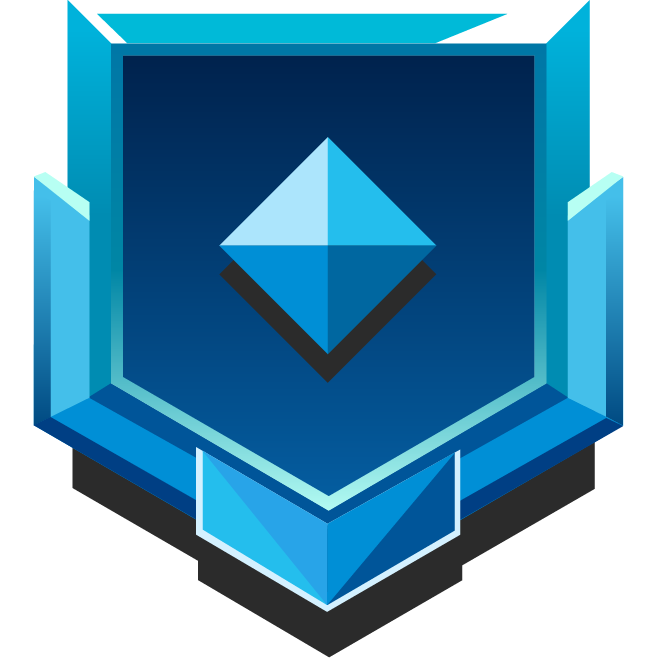 | 2500 – 3000 |
| Master |  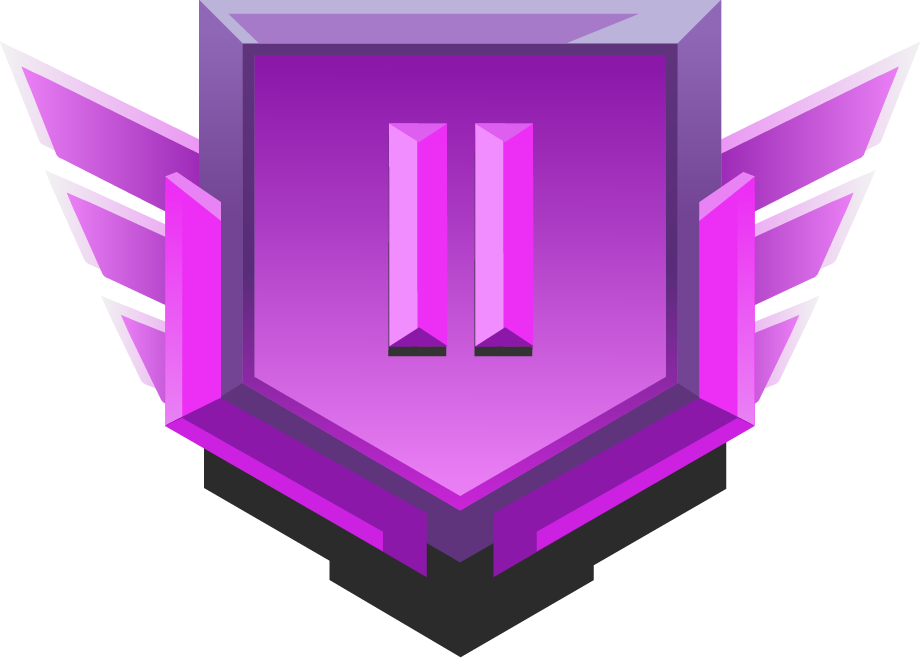 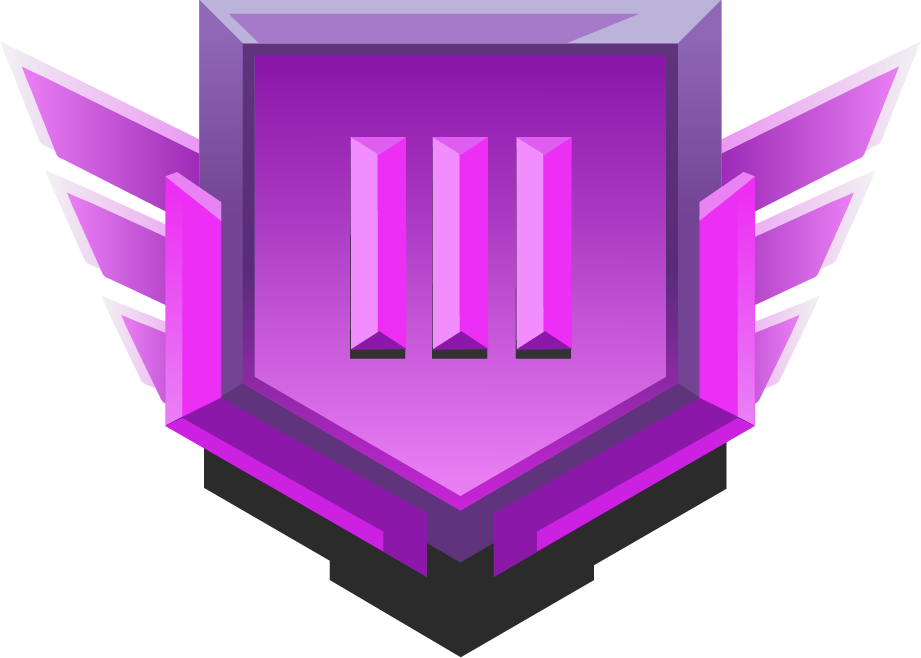 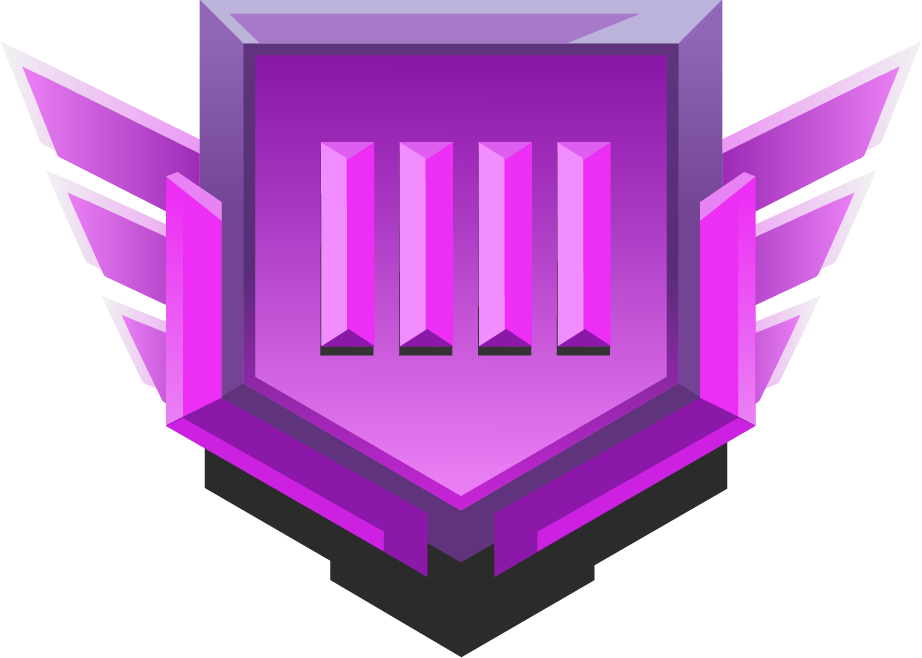 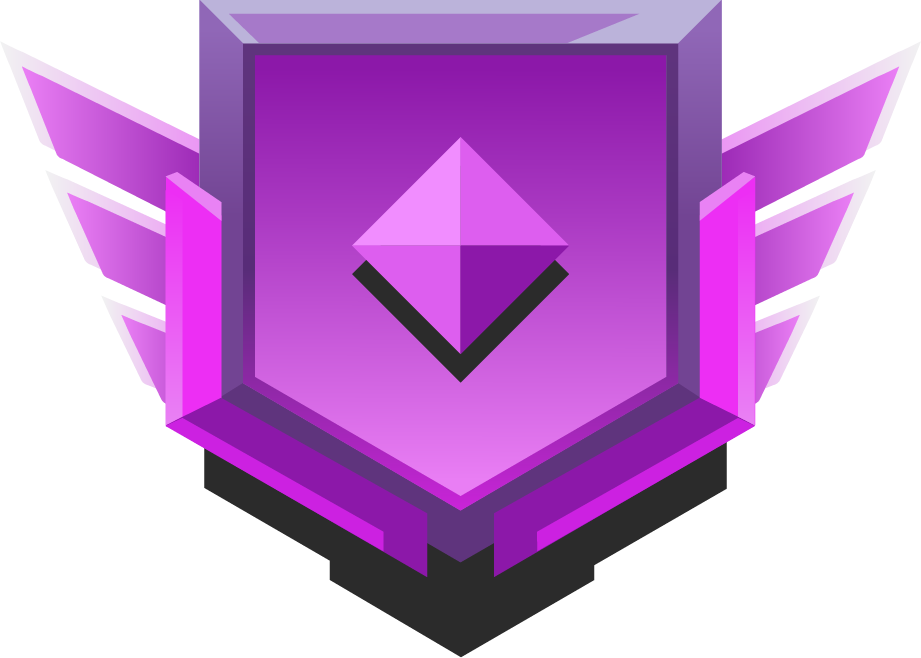 | 3000 – 3500 |
| Grandmaster | 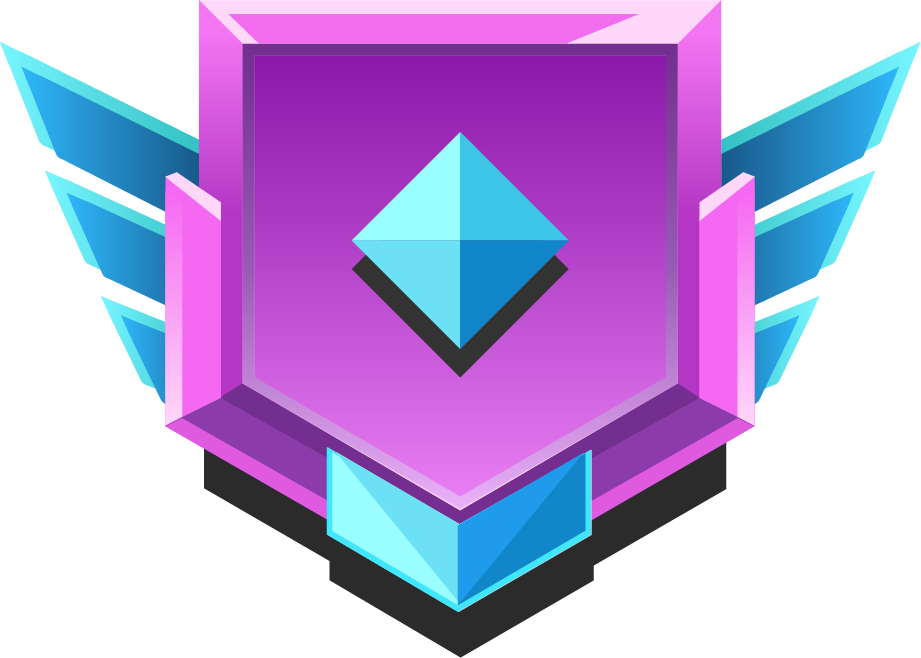 | 3500+ |
Profiles & Leaderboards
You can view detailed stats on any player's profile, including their Spark Rating and queue-specific statistics. Leaderboards are also available, allowing you to see how you stack up against the rest of the community — check out an example leaderboard to get a feel for it.
Any other questions?
Contact a staff member in-game or via our Discord server! They will be more than happy to help you find an answer to your questions.